
Published: October 23, 2026
Alert level: Critical
Affected systems: PHP servers, web applications, and PHP-based content management systems
System engineers, PHP developers, and server administrators should urgently review their PHP installations and apply the latest security updates.
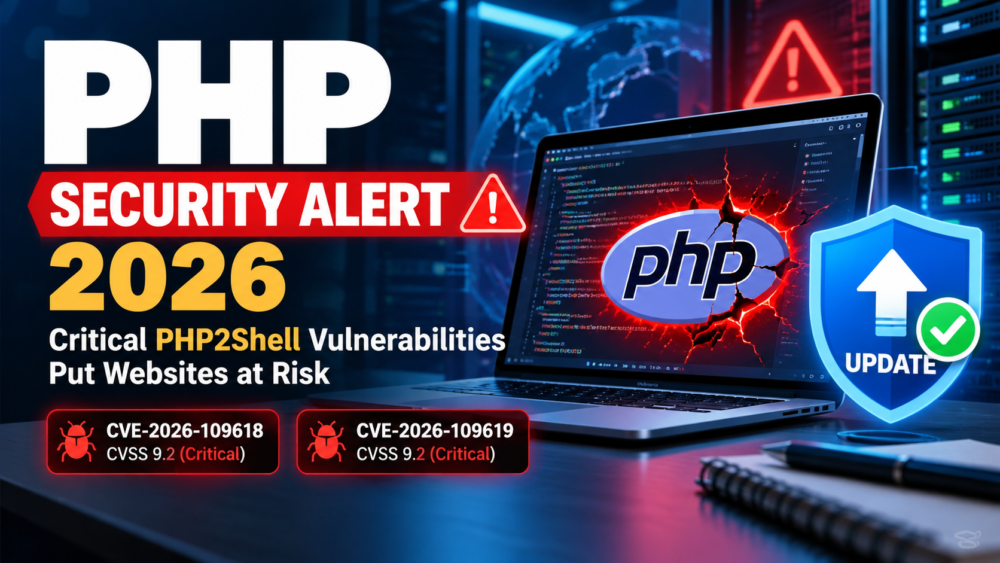
On October 21, 2026, the PHP development team released emergency security updates addressing two critical vulnerabilities, CVE-2026-109618 and CVE-2026-109619, collectively known as PHP2Shell. Both vulnerabilities carry a CVSS v4.0 severity score of 9.2 and could allow unauthenticated attackers to execute malicious code on vulnerable servers.
What Is the Security Risk?
The vulnerabilities relate to PHP’s memory management and request-processing behavior. Under certain conditions, attackers may exploit these flaws to execute code remotely, potentially compromising affected servers and exposing sensitive information.
Systems running PHP with Apache mod_php, PHP-FPM, and other PHP execution environments should be assessed for exposure. PHP-based applications, including WordPress, Drupal, and Joomla, may also be affected when hosted on vulnerable PHP installations.
Which PHP Versions Need Updating?
Administrators should check their installed PHP versions and upgrade to the following fixed releases or later supported versions:
- PHP 8.5: Update to 8.5.12 or later.
- PHP 8.4: Update to 8.4.27 or later.
- PHP 8.3: Update to 8.3.36 or later.
- PHP 8.2: Update to 8.2.35 or later.
PHP 8.1 and older branches are also affected. Because these versions are no longer officially supported, administrators should check for vendor-provided security patches or migrate to a supported PHP release.
Immediate Actions for System Engineers
System engineers and server administrators should take the following steps:
- Identify vulnerable installations: Check PHP versions across production servers, staging environments, containers, and other deployed systems.
- Apply security updates: Install the appropriate patched PHP release through the official PHP distribution or your operating system’s package manager.
- Review PHP-based applications: Check WordPress, Drupal, Joomla, and other PHP applications to ensure their underlying PHP runtime is patched.
- Investigate suspicious activity: Review web server logs, PHP error logs, and security monitoring alerts for unusual requests, unexpected process execution, or other signs of compromise.
- Verify the update: Confirm that the running PHP version or vendor package includes the relevant security fixes, then restart the necessary services if required.
- Escalate suspected compromises: If you identify suspicious activity, isolate affected systems where appropriate and follow your organization’s incident-response procedures.
Important: A web application firewall or other security control should not be treated as a substitute for patching. Updating to a fixed release is the primary remediation recommended by security advisories.
Official Security References
For accurate technical details and platform-specific remediation instructions, consult these resources:
Final Recommendation
Do not delay PHP security updates. System engineers should identify affected installations, apply the appropriate patches, and verify that production systems are protected.
Organizations unable to patch immediately should assess their exposure and consider temporarily taking vulnerable systems offline until remediation is complete.
Treat this as a priority security maintenance task to reduce the risk of server compromise and protect sensitive data.